Free preview, in your browser
What would wtfile call your files?
Drop up to three files and see the name wtfile would give each one. This page runs wtfile’s own reading and naming rules right here in your browser. Your files are not uploaded.
What this preview is, and isn’t
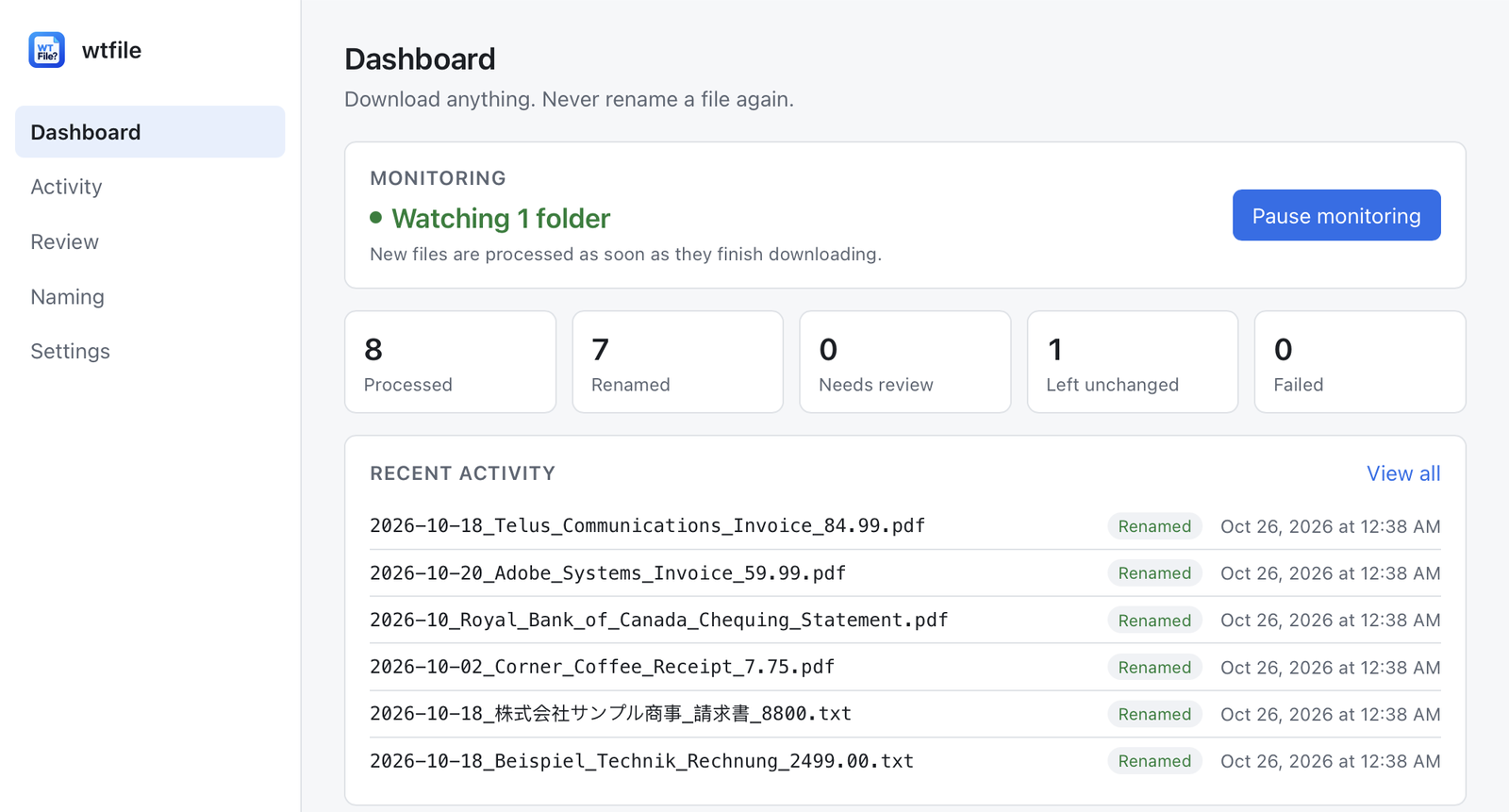
The same rules as the app. The app’s reading and naming code is built to run in the browser (WebAssembly), so the names here are the ones the app would suggest for a new download, using the free version’s standard naming rules: date first, then who it’s from, what it is and, for invoices and receipts, the total.
It doesn’t rename anything. You’d still have to rename the file yourself. The app does it for you, can undo any rename, and never overwrites a file.
No scans. Scanned PDFs, screenshots and photos of receipts are read with the text recognition built into Windows and macOS (Pro). A browser can’t use it, so here they’re left unchanged, with the reason why.
No custom rules. Your own name patterns, folders, document types, industry profiles and trusted senders are in the app (Pro).
Same caution. Files it isn’t sure about would wait in Review, and unclear ones would be left alone. A date like 03/04 is never guessed.
Your files stay in your browser
- Files you drop are read inside this browser tab and are never sent anywhere: not to wtfile, not to anyone else.
- The only download is the preview itself (under 3 MB), from getwtfile.com.
- Nothing is saved. Close the tab and the files are forgotten.
The real app
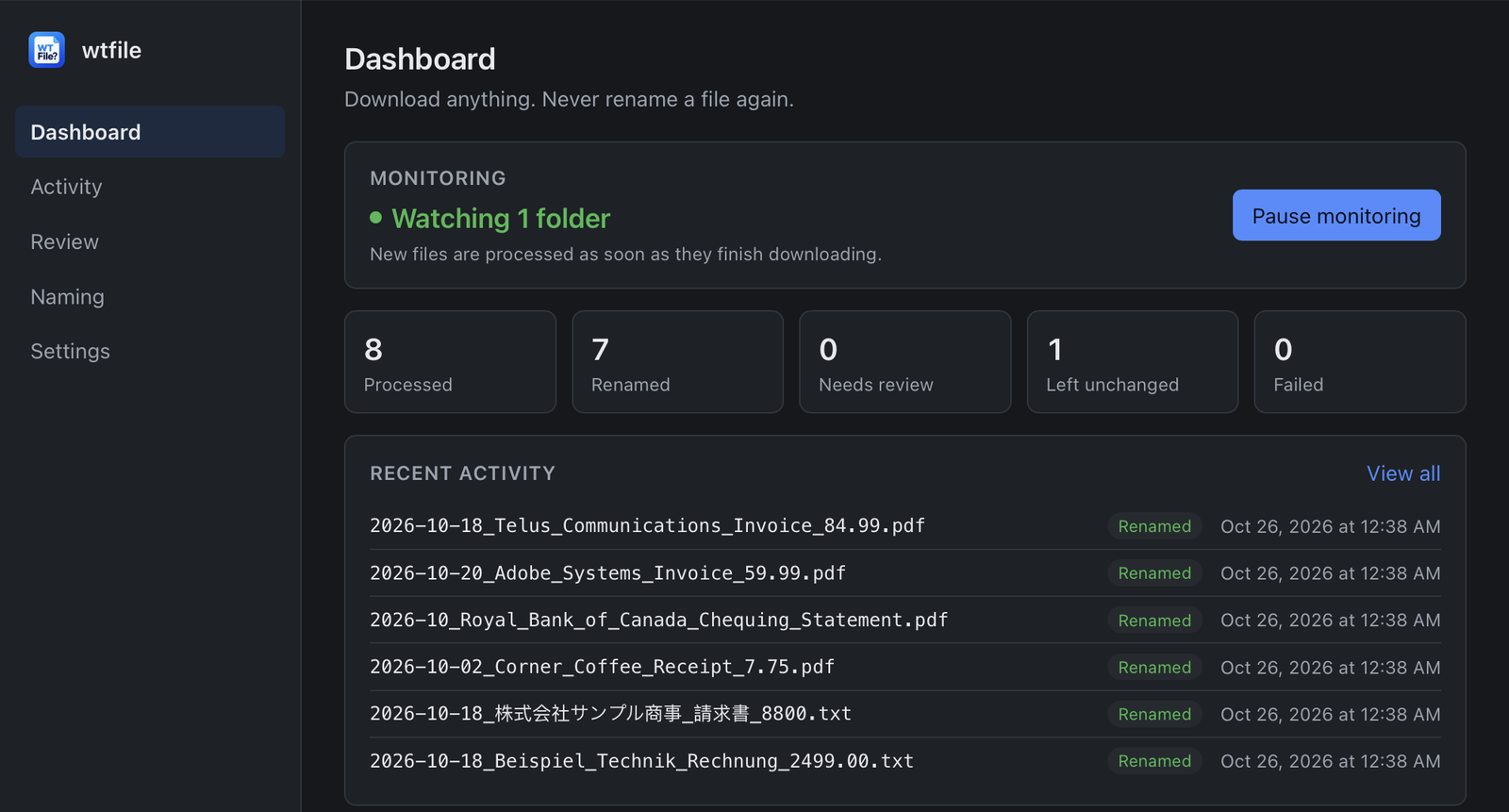
Each new download, named as it arrives. The one it wasn’t sure about was left alone.